

Website security is critical to protect against threats like hacks and data breaches. This tutorial teaches how to analyze your site’s security using tools and techniques, identifying weaknesses and applying fixes. Follow these steps for a thorough assessment.
Step 1: Run Vulnerability Scans
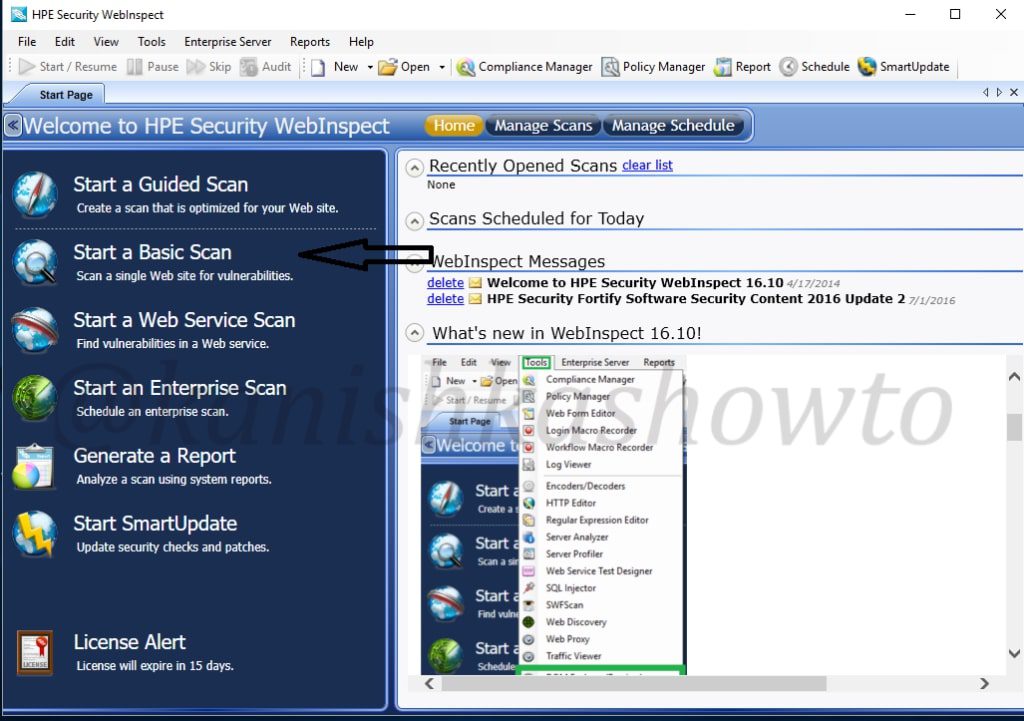
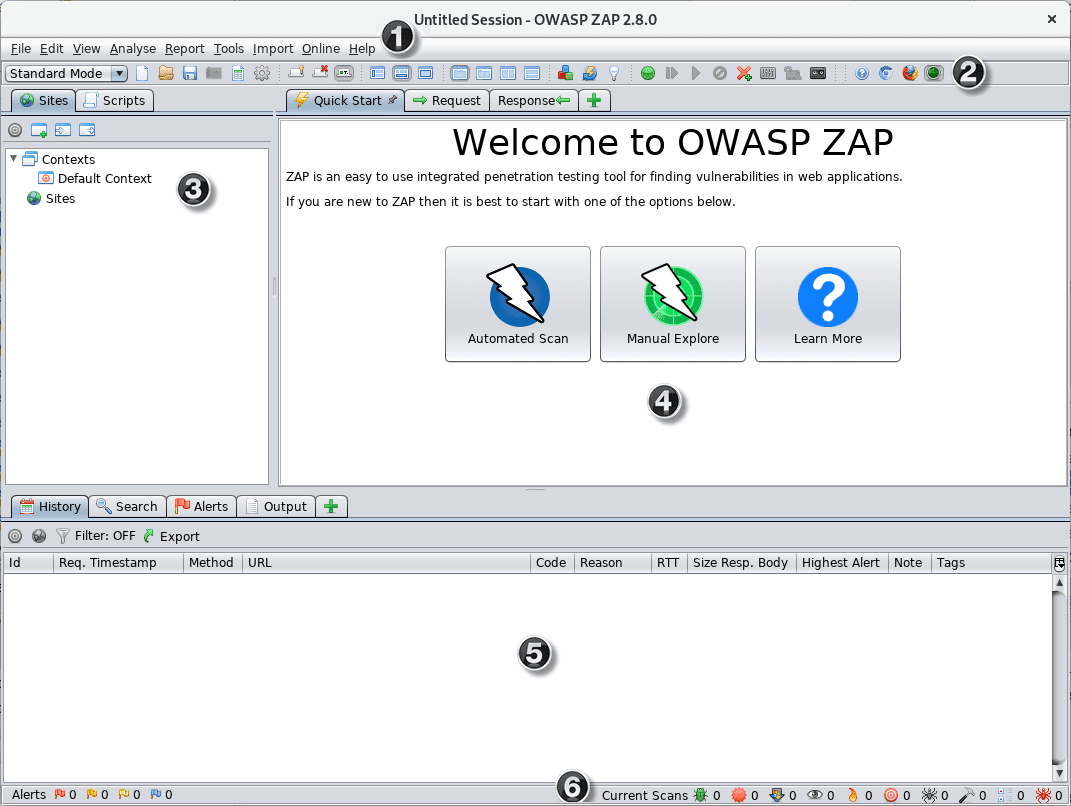
Begin with automated tools like OWASP ZAP or OpenVAS to scan for common vulnerabilities. Install the tool, input your site URL, and start a basic scan to analyze issues like SQL injection or XSS.
Review the report for severity levels and prioritize high-risk findings.
Step 2: Check SSL/TLS Configuration
Analyze your site’s encryption using SSL Labs’ Qualys tool. Enter your domain to get a grade and detailed analysis of certificate validity, protocols, and cipher suites.
Ensure HTTPS is enforced and fix any weak configurations for better security.
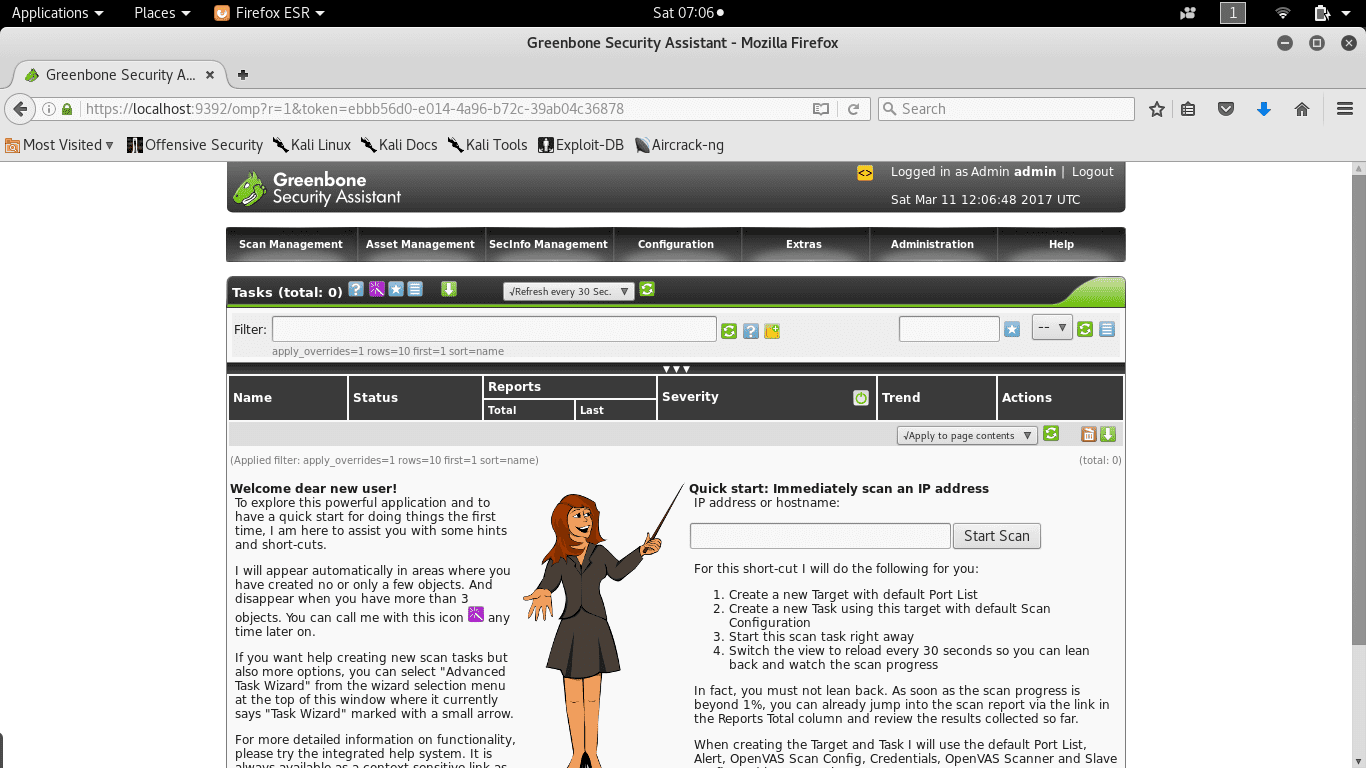
Implementing Web application vulnerability scanners with Kali …
Step 3: Review Access Controls
Examine user permissions and authentication methods. Use tools like Burp Suite to analyze login forms and session management for flaws like weak passwords or improper role assignments.
Implement multi-factor authentication and regular audits to strengthen controls.
Step 4: Monitor Logs and Threats
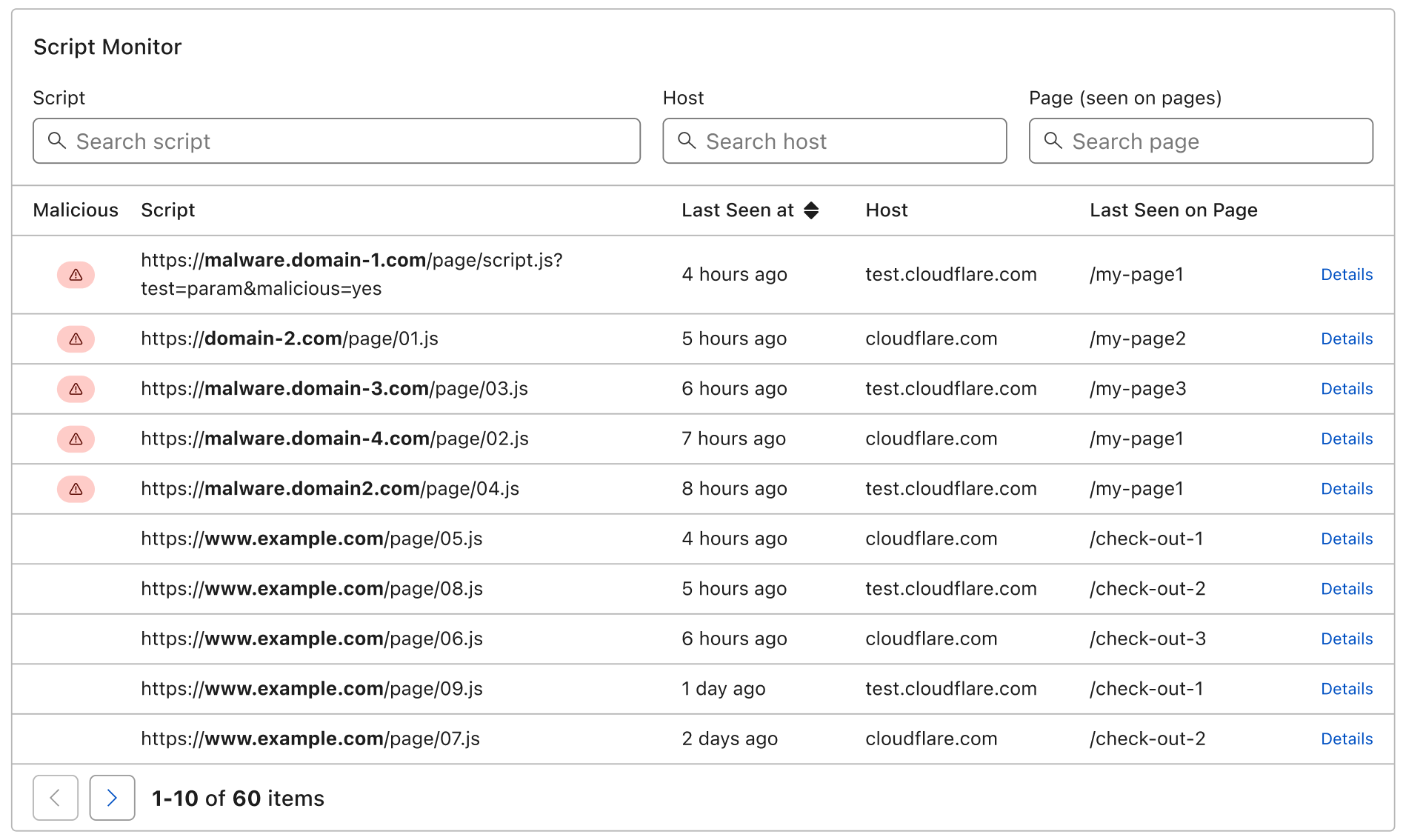
Set up logging with tools like ELK Stack to analyze server logs for suspicious activity. Look for patterns like repeated failed logins or unusual traffic spikes.
Configure alerts for real-time threat detection and respond promptly to incidents.
Step 5: Implement Ongoing Security Measures
After analysis, apply patches, use firewalls like ModSecurity, and conduct regular penetration tests. Stay updated with security news to adapt to new threats.
This proactive approach keeps your site secure. For more tutorials, visit appstuf.com.