
In a world where “AI” is the new buzzword, it can be hard to separate the gimmicks from the game-changers. At Appstuf, we spend dozens of hours testing the latest releases so you don’t have to. While everyone is talking about ChatGPT, a new wave of specialized AI tools is quietly transforming how we work, create, and organize our lives. Today, we’re highlighting five underrated apps that will give you back hours of your week.
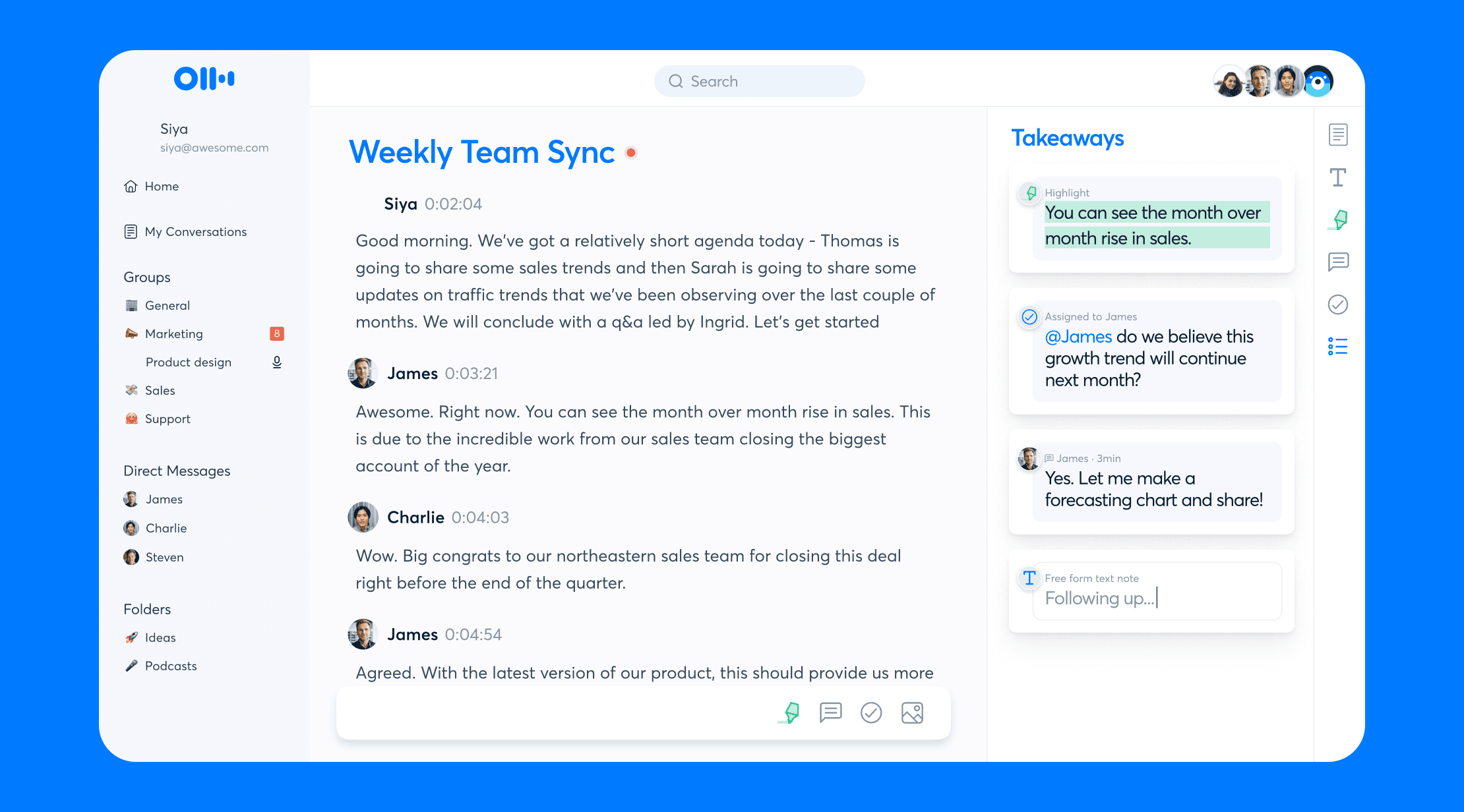
1.Otter.ai or Fireflies
The Death of Manual Note-Taking What it does: Uses AI to transcribe meetings in real-time and generate automated summaries. Why we love it: It doesn’t just record audio; it identifies action items and creates a searchable database of your conversations. Perfect for students and project managers alike.
2.Canva Magic Studio
Design for the Non-Designer What it does: A suite of AI tools that can expand images, remove objects, and generate layouts from a simple text prompt. Why we love it: It levels the playing field for small business owners who need professional-grade social media assets without a professional-grade budget.
3.Perplexity AI
The “Search Engine” Evolution What it does: An “answer engine” that provides direct, cited responses to complex questions instead of just a list of links. Why we love it: It saves you from clicking through ten different websites to find one piece of information. (Check out our guide on [Internal Link: How to Analyze Website Traffic] to see how this affects SEO!)
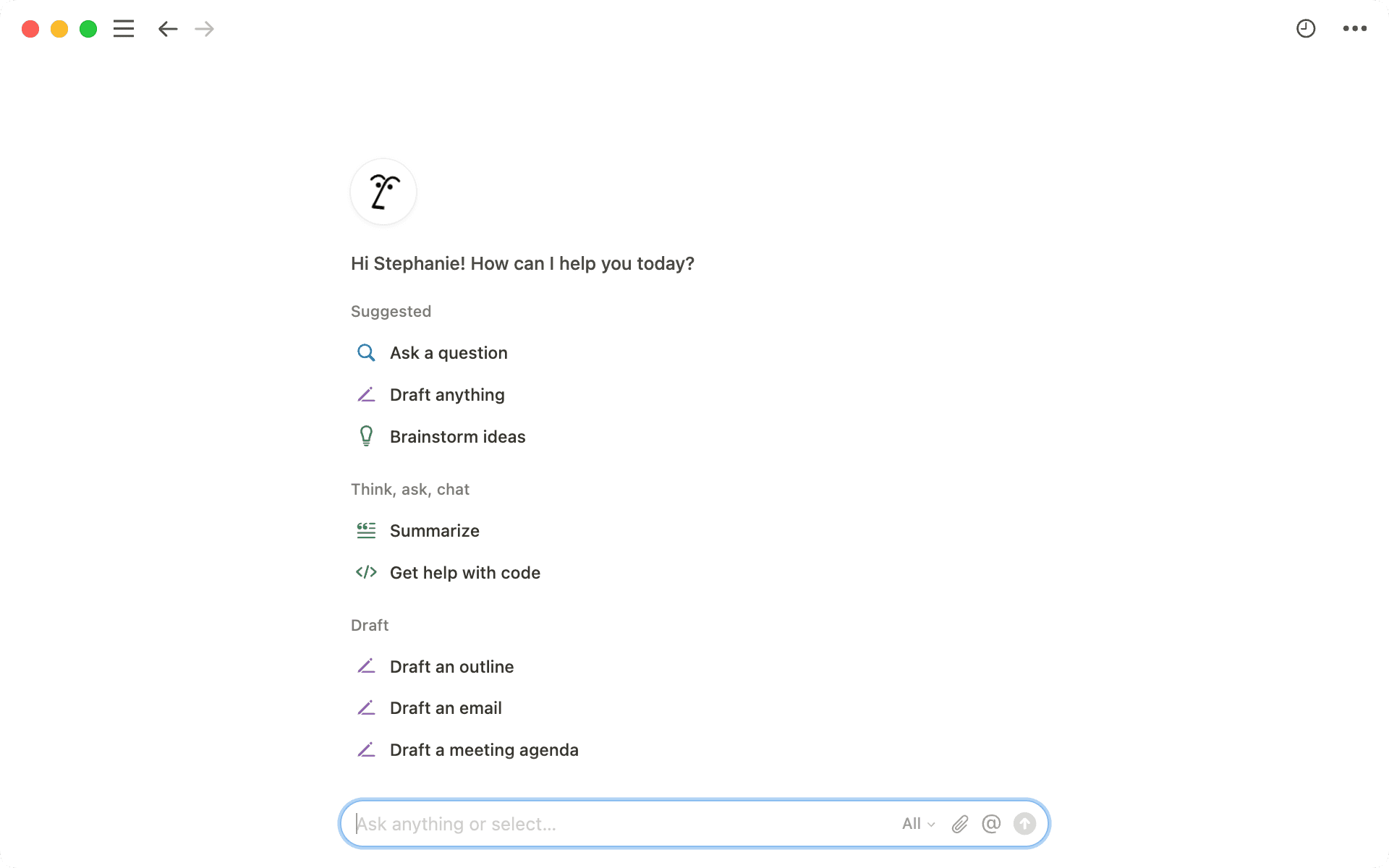
4.Notion AI
What it does: Integrates AI directly into your workspace to draft emails, summarize long documents, and brainstorm ideas. Why we love it: It eliminates “blank page syndrome.” If you’re struggling to start a project, Notion AI provides the first draft in seconds.
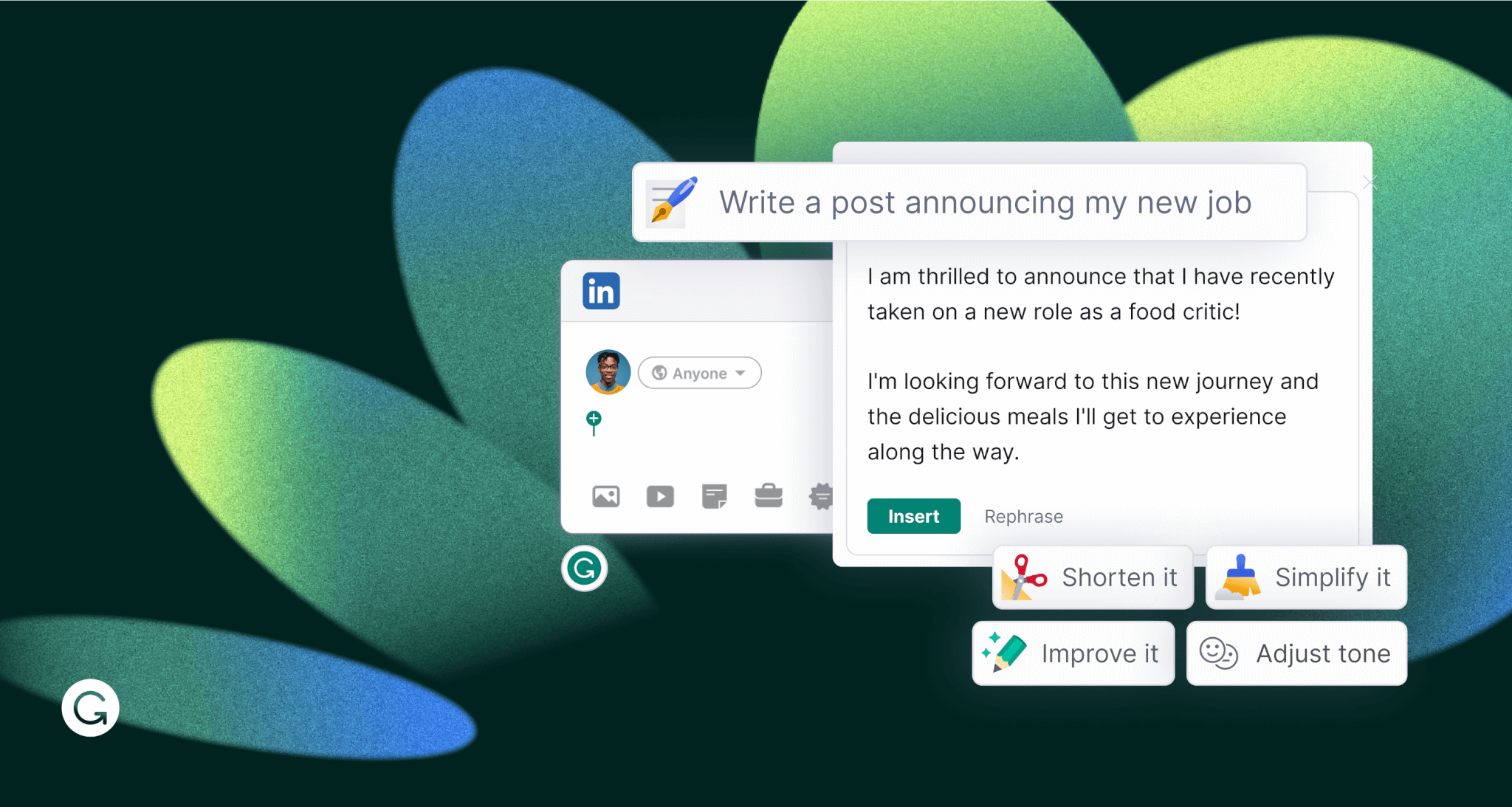
5.Grammarly GO
What it does: Context-aware AI that can rewrite sentences to change the tone—from “professional” to “friendly”—with one click. Why we love it: It ensures your digital communication is always on point, whether you’re Slacking a coworker or emailing a client. The Bottom Line: Technology should work for you, not the other way around. By integrating just one or two of these AI-powered tools into your daily routine, you can automate the mundane and focus on what actually matters. Want more app deep-dives? Check out our latest [Reviews] section or subscribe to our newsletter for weekly tech tips delivered straight to your inbox.