

Mobile photography has advanced tremendously, with apps offering professional-level editing and shooting capabilities. This guide reviews five top apps, based on features, ease of use, and popularity. Whether you’re a hobbyist or pro, these tools can transform your shots.
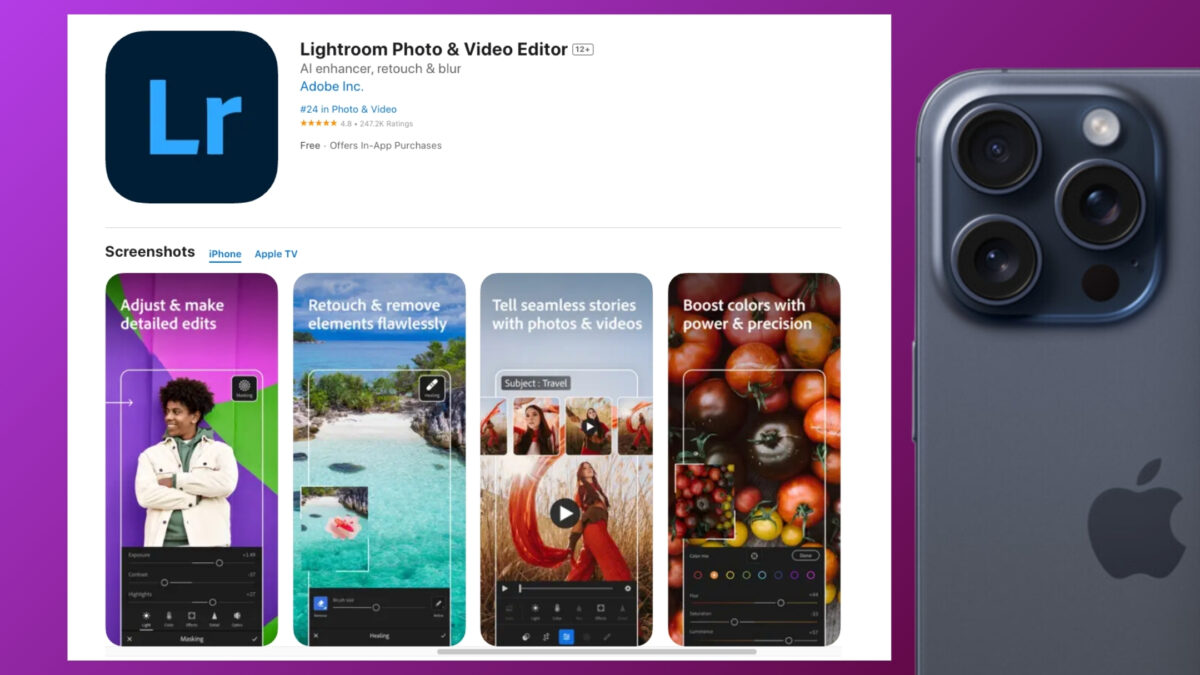
1. Adobe Lightroom: Pro Editing On the Go
Adobe Lightroom provides powerful tools like selective adjustments, presets, and AI enhancements for color correction and retouching. It’s free with premium features via subscription, ideal for raw photo editing.
Users praise its cloud sync across devices for seamless workflows. Rating: 4.8/5.
2. VSCO: Creative Filters and Community
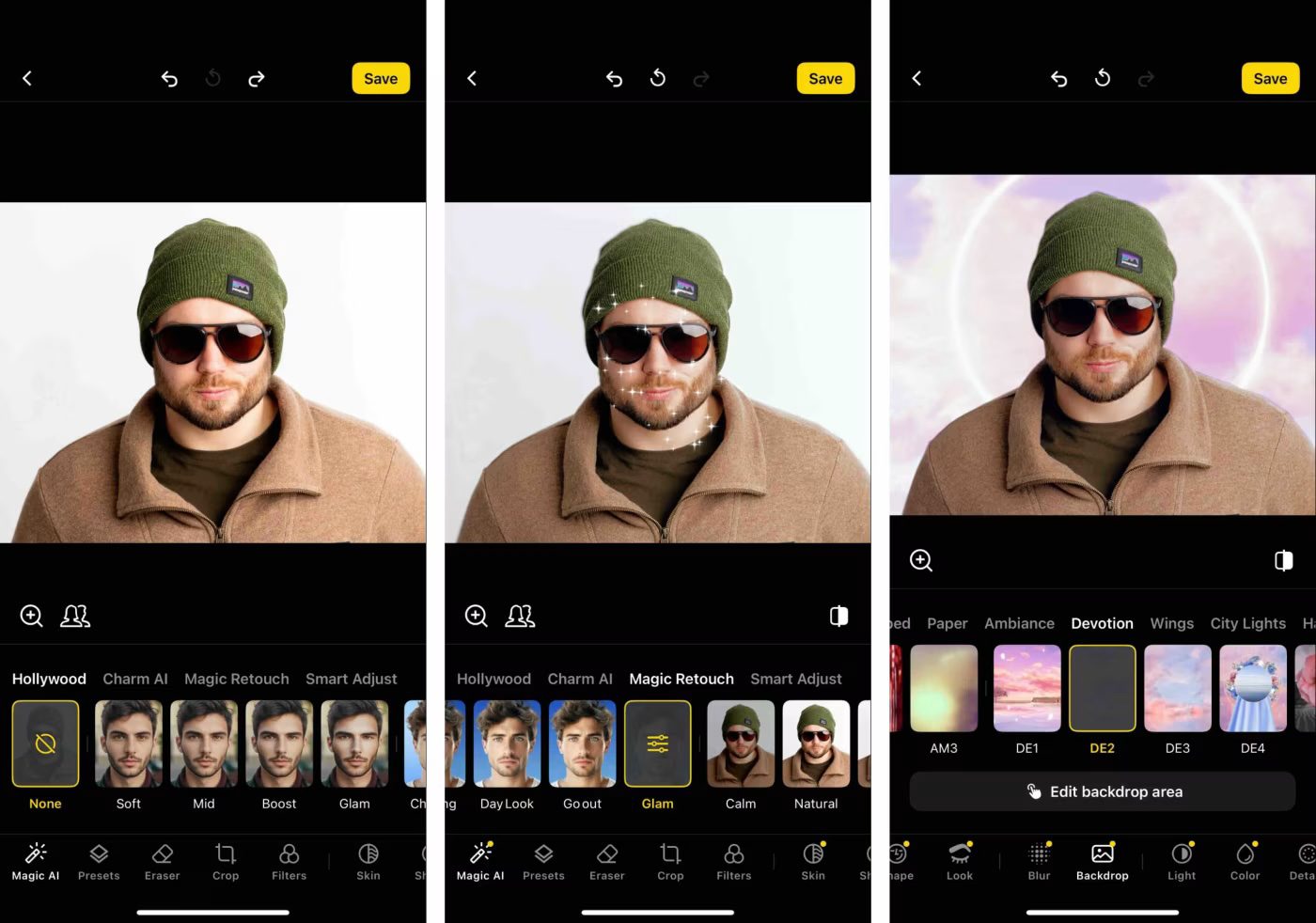
VSCO excels in artistic filters and film emulations, with a built-in social platform for sharing edits. The free version offers basic tools, while membership unlocks advanced presets.
It’s favored for its minimalist interface and inspiration from real photographers. Rating: 4.6/5.
3. Snapseed: Versatile Free Editor
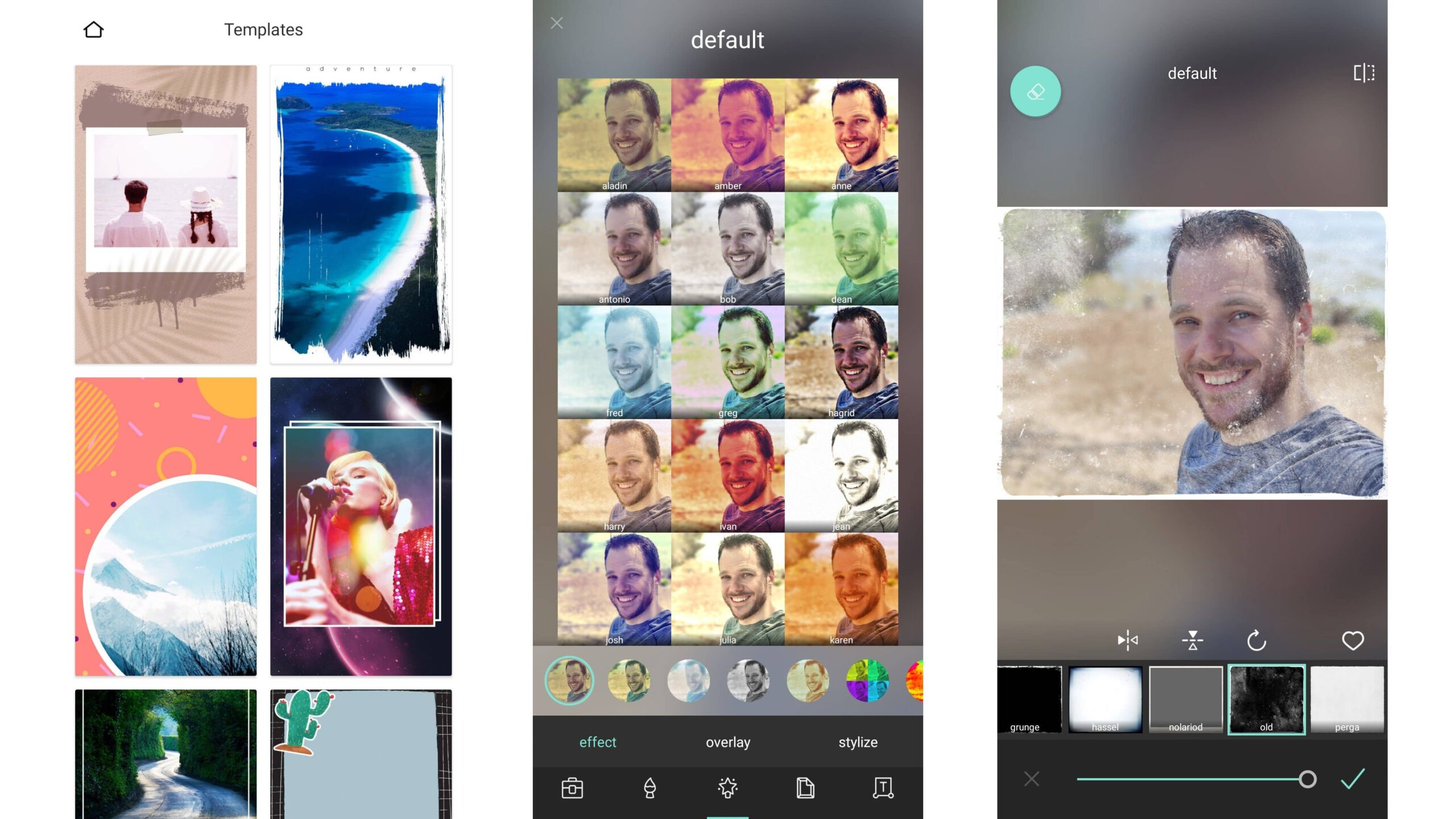
Google’s Snapseed features precise controls like healing, brushes, and curves, all for free. No ads or subscriptions make it accessible for quick enhancements.
Standout for its non-destructive editing and HDR effects. Rating: 4.7/5.
4. ProCamera: Advanced Shooting Controls
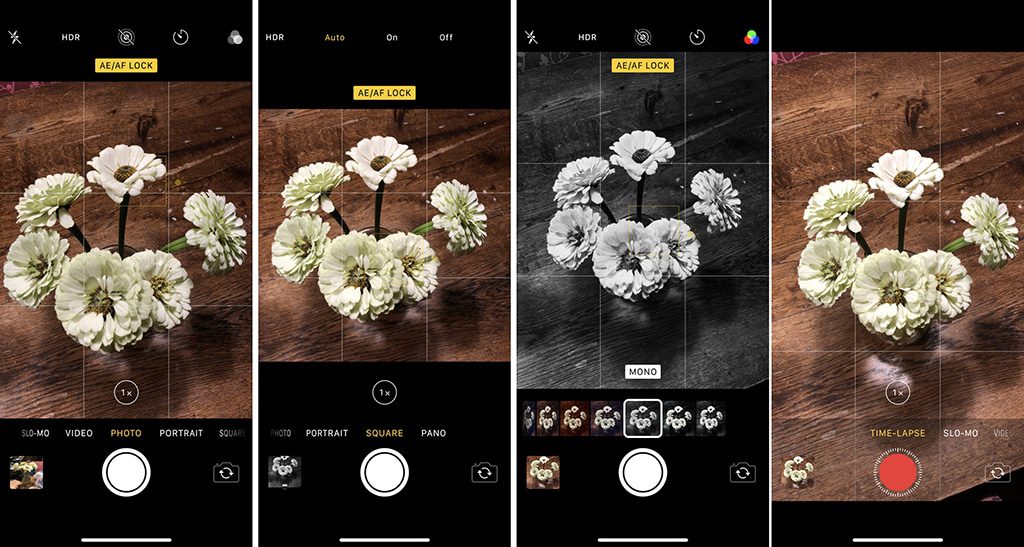
ProCamera turns your phone into a DSLR with manual focus, exposure, and RAW support. It includes low-light modes and video tools.
Perfect for enthusiasts seeking control beyond stock cameras. Rating: 4.5/5.
5. Affinity Photo: Desktop-Level Power
Affinity Photo offers layer-based editing, retouching, and panorama stitching on mobile. One-time purchase unlocks all features without subscriptions.
Known for its professional tools and compatibility with iPad stylus. Rating: 4.9/5.
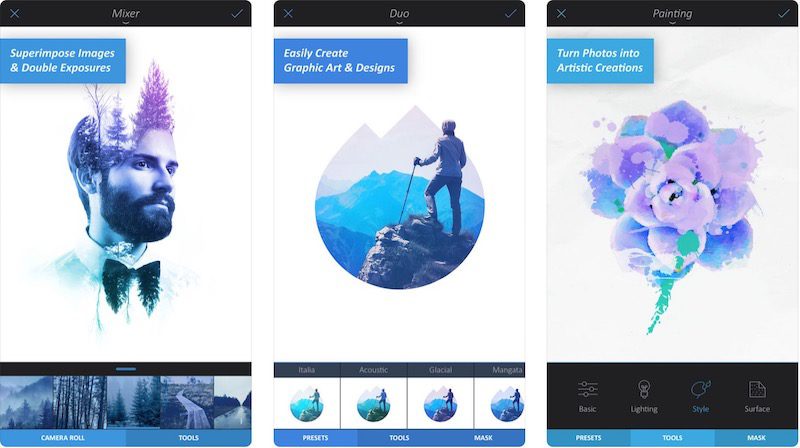
These apps cater to various needs, from casual snaps to pro shoots. Download and experiment to find your fit. For more app insights, check appstuf.com.