
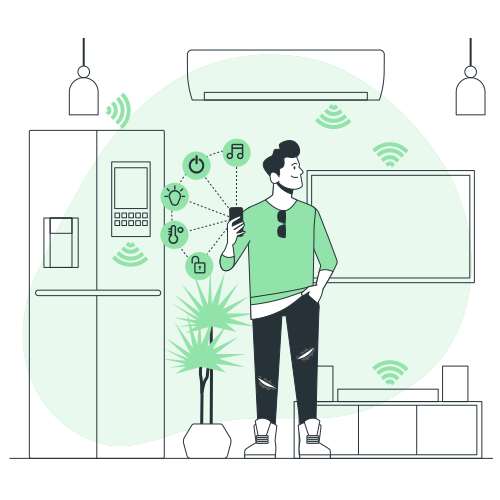
Building a smart home can enhance convenience, security, and energy efficiency. This guide provides a step-by-step approach for beginners, covering essential devices, integration, and best practices. No advanced tech knowledge required—start small and expand as needed.
Step 1: Choose Your Ecosystem
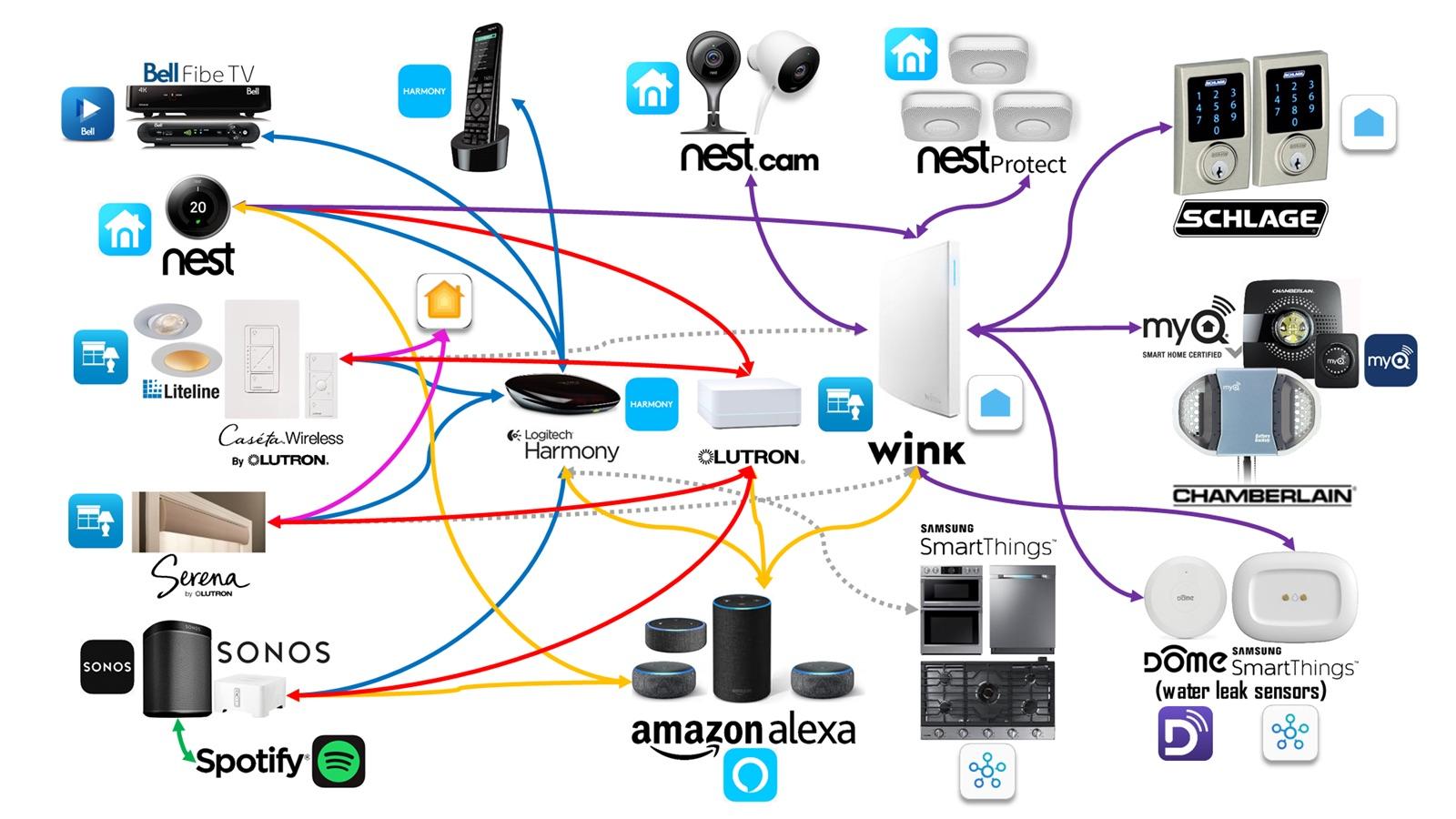
Select a central platform like Google Home, Amazon Alexa, or Apple HomeKit for compatibility. Consider your existing devices (e.g., iPhone for HomeKit) to ensure seamless control via apps or voice commands.
Research hubs like Google Nest or Amazon Echo to act as the brain of your system.
Step 2: Install Smart Lighting
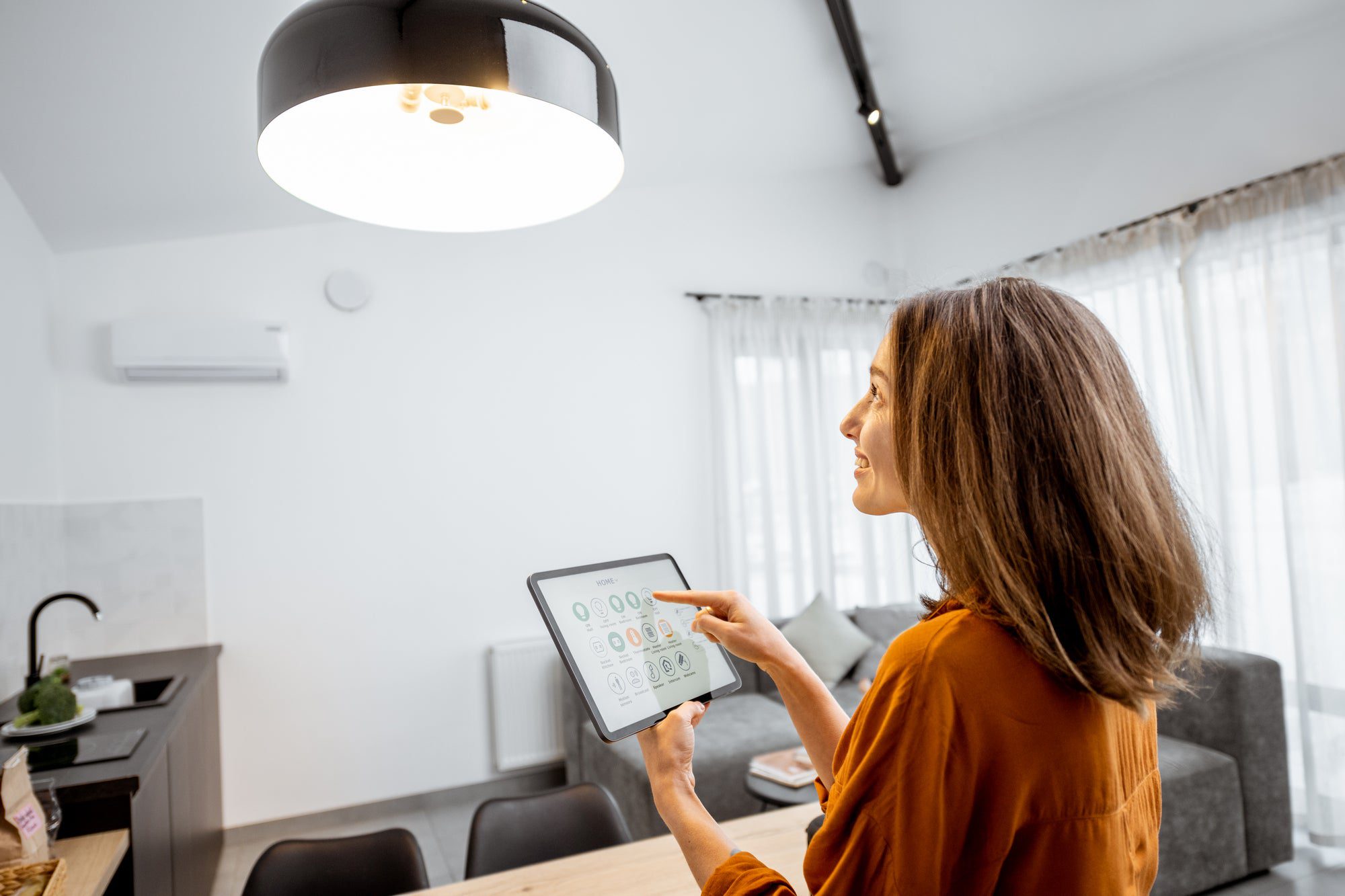
Begin with bulbs like Philips Hue or TP-Link Kasa. Connect them to your hub via Wi-Fi or Zigbee for app control, scheduling, and automation.
Set scenes for moods, like dimming for movie nights, and integrate with motion sensors.
Step 3: Add Security Devices
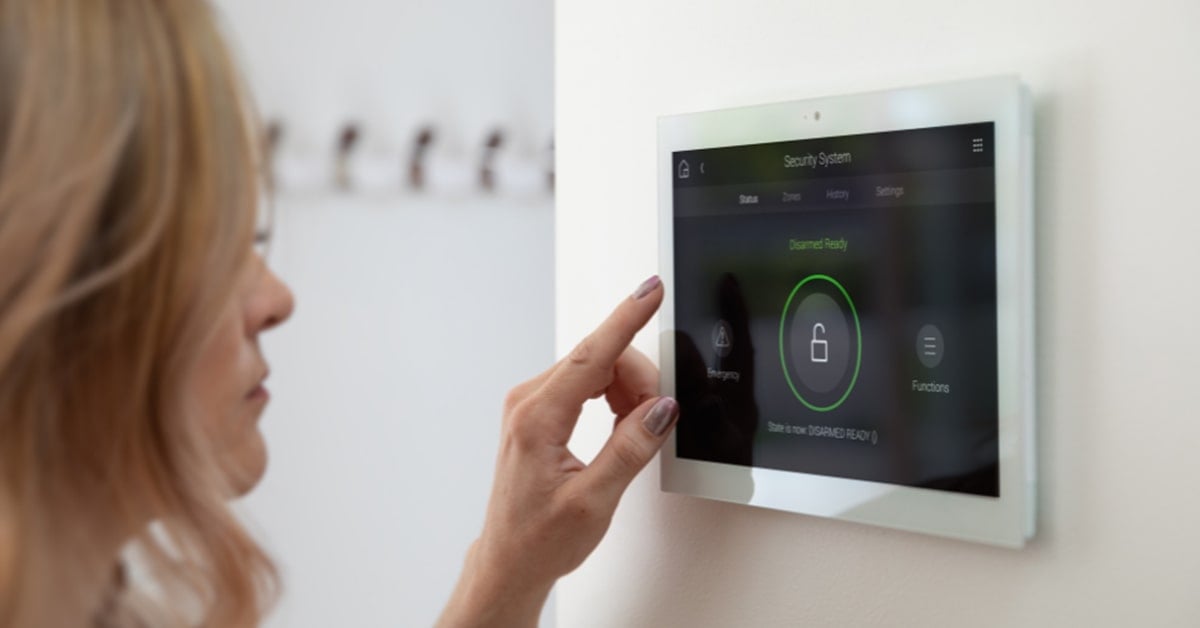
Incorporate cameras (e.g., Ring or Arlo) and smart locks (e.g., August or Yale). Position cameras for coverage and enable notifications for motion detection.
Use doorbells with video for front door monitoring and integrate with your ecosystem for alerts.
Step 4: Integrate Thermostats and Appliances
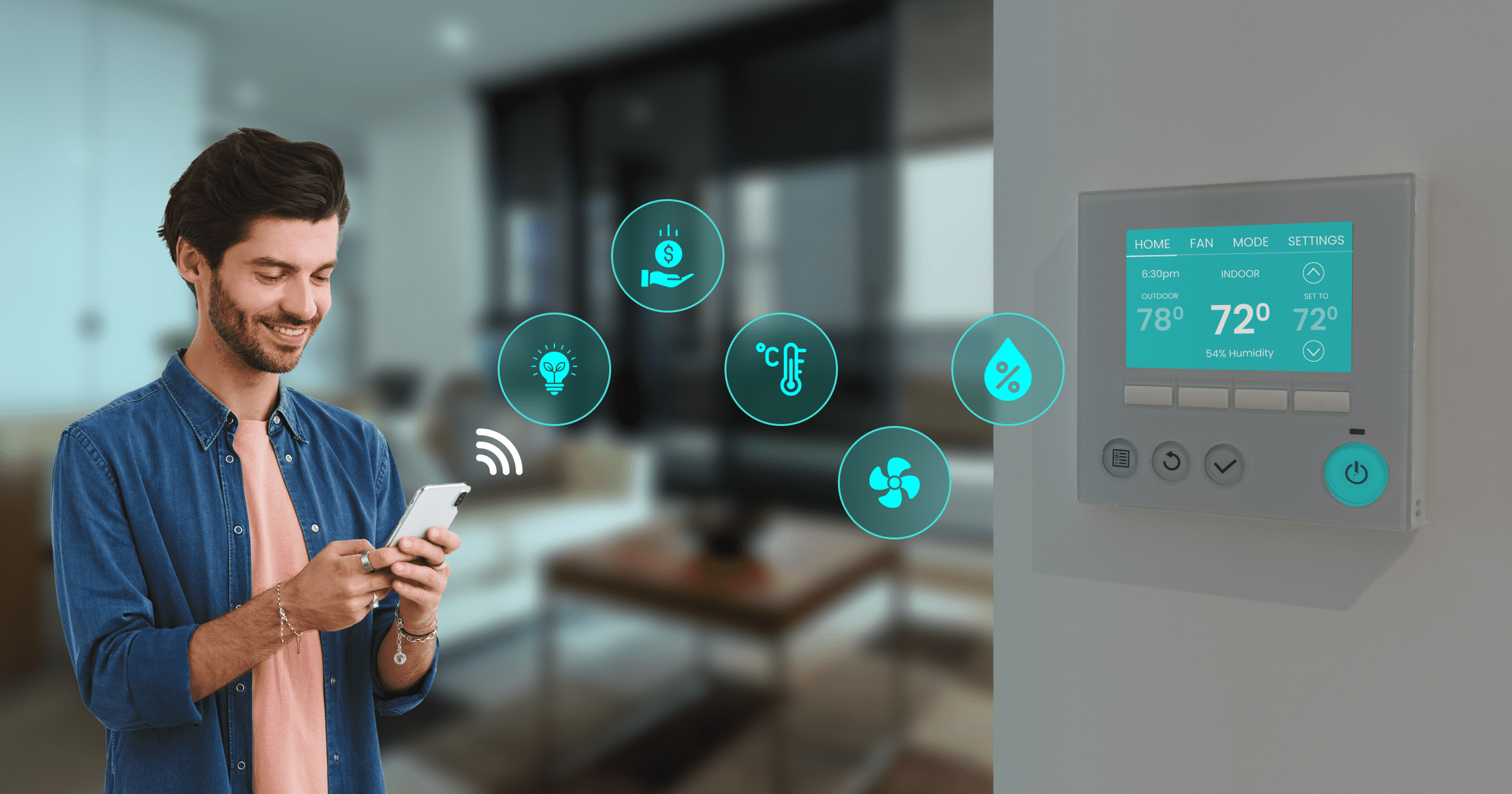
Install a smart thermostat like Nest Learning or Ecobee for energy savings through schedules and remote control. Add plugs for non-smart appliances to enable automation.
Create routines, such as turning off lights when leaving home.
Step 5: Secure and Optimize Your Setup
Enable two-factor authentication, update firmware regularly, and use strong passwords. Test integrations and automate based on habits for efficiency.
Expand with speakers or sensors as you grow comfortable.
For more guides, visit appstuf.com.